Job board templates: 9 ready-made designs you can launch today

A job board template is a pre-built design for a job board website: the homepage, the search results, the job detail page, the employer and pricing pages, ready to fill with your brand and your listings. Templates exist in every format (plain HTML, WordPress themes, Webflow cloneables, even Notion pages), and the differences between those formats matter far more than the screenshots suggest, because a job board is not really a design problem. It is a working product with payments, applications, alerts, and SEO plumbing behind the design.
This guide walks through what each kind of template actually gets you, then the nine ready-made board designs easyboard ships, all of which come with the product behind them.
What people mean by "job board template"
HTML/CSS templates
Marketplaces sell polished job-board page designs for $20 to $60. You get static markup: no accounts, no checkout, no applications, no alerts, no admin. Turning one into a functioning board is a full development project; the template is maybe 5% of it. Right choice only if you are a developer building everything else anyway.
WordPress themes
A WordPress job-board theme plus a plugin like WP Job Manager is the classic budget route: genuinely functional, cheap to start, and the total cost arrives later in paid add-ons (applications, alerts, resumes), hosting, updates, and your time as the site's sysadmin. Workable if you already run WordPress professionally; a slow leak of weekends if you do not.
Webflow, Framer, and no-code templates
Beautiful fronts with a CMS behind them. Listings become CMS items, which is fine until you need the marketplace parts: employer self-serve posting with payment, application handling, expiring listings, job alerts, JobPosting structured data. Each gets solved with a third-party embed or an automation glue stack that you then maintain. Great for a landing page validating the idea; strained as the actual board.
Notion and Airtable templates
A filtered database published as a page. Free, instant, and legitimate for a tiny curated list inside a community. Not a business: no SEO to speak of, no payments, no alerts, and it looks like what it is.
Hosted platform themes
Job board software ships designs with the entire product already wired underneath: checkout, employer dashboards, candidate accounts, alerts, structured data, feeds. "Template" here means the design layer of a working board, which is what most people searching for a job board template actually need.
The 9 easyboard themes
easyboard ships nine structural themes. Each is a complete board design (home, search, job detail, employer pages, blog), and each is a starting point you can recolor, refont, and rebuild section by section:
- Classic - the traditional board: search front and center, categories below, zero learning curve for visitors.
- Bold - a large search panel over a tinted band; confident, startup-flavored.
- Aurora - a centered search panel over a gradient; friendly and modern.
- Clarity - left-aligned headline, search bar, stats strip on a plain surface; the quiet professional.
- Minimal - dark, typographic, restrained; at home in design and engineering niches.
- Editorial - serif headlines and ruled lists; reads like a magazine, fits media and writing niches.
- Directory - browse-first with a compact table of every role; ideal for high-volume and trades boards.
- Metro - roles in the main column with a category sidebar; a busy-city feel for local boards.
- Vanguard - an overlaid headline and search on a dark gradient; maximal first impression.
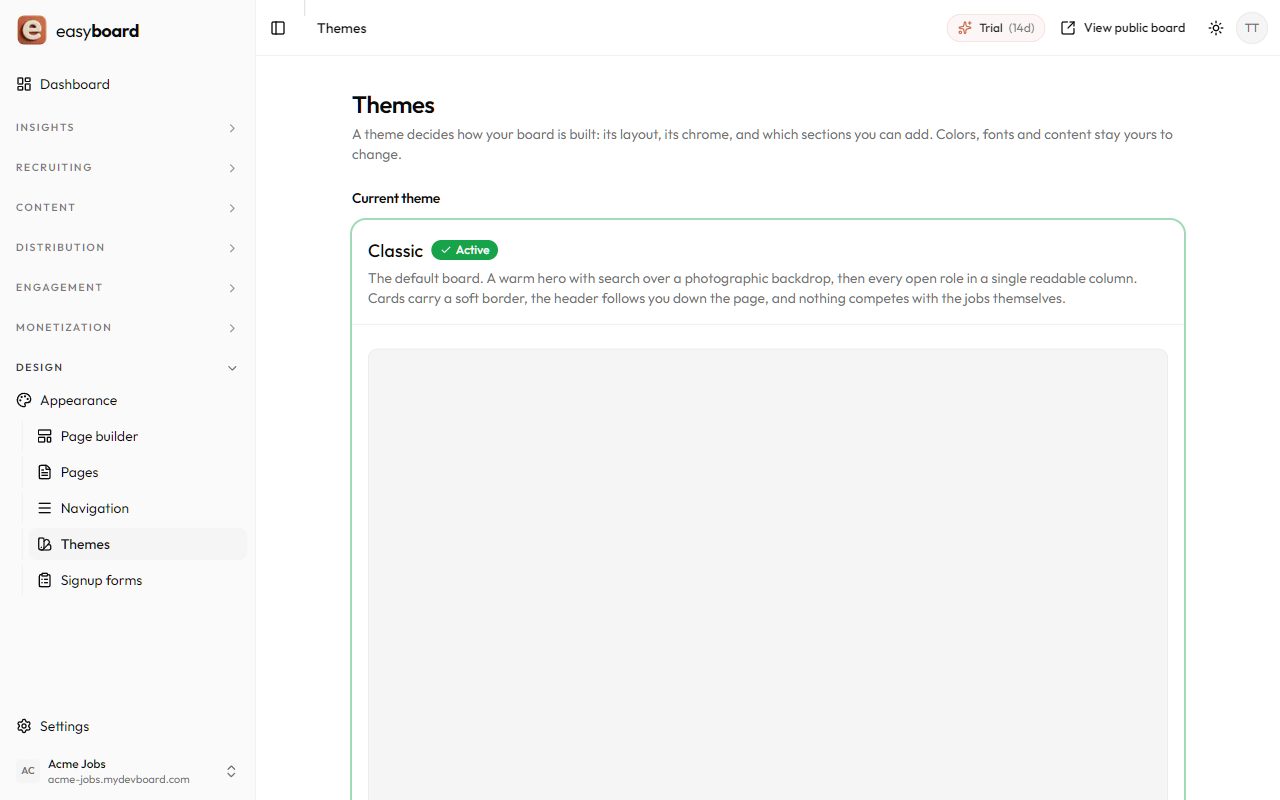
Four of them, dressed for four different niches, look like this in the wild:
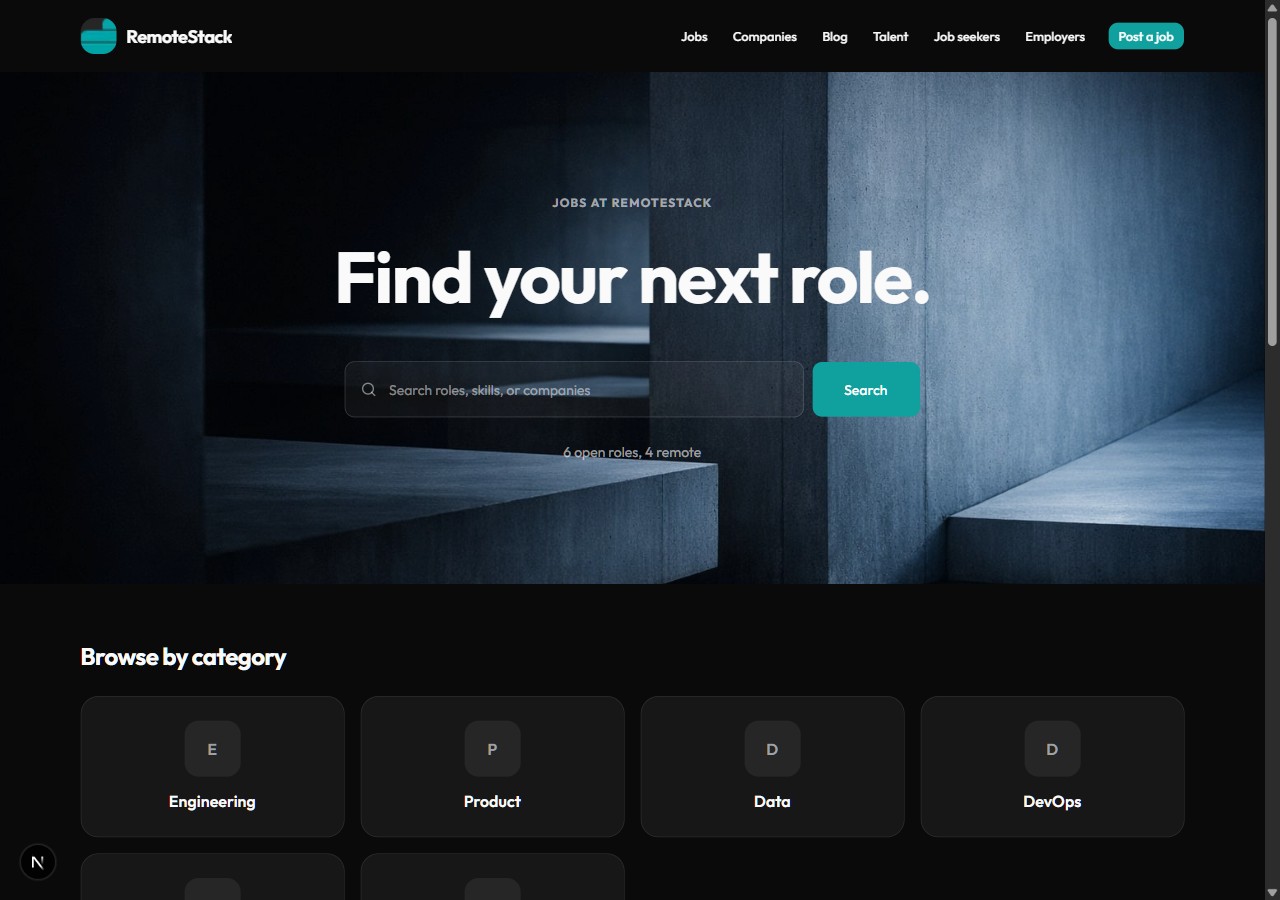
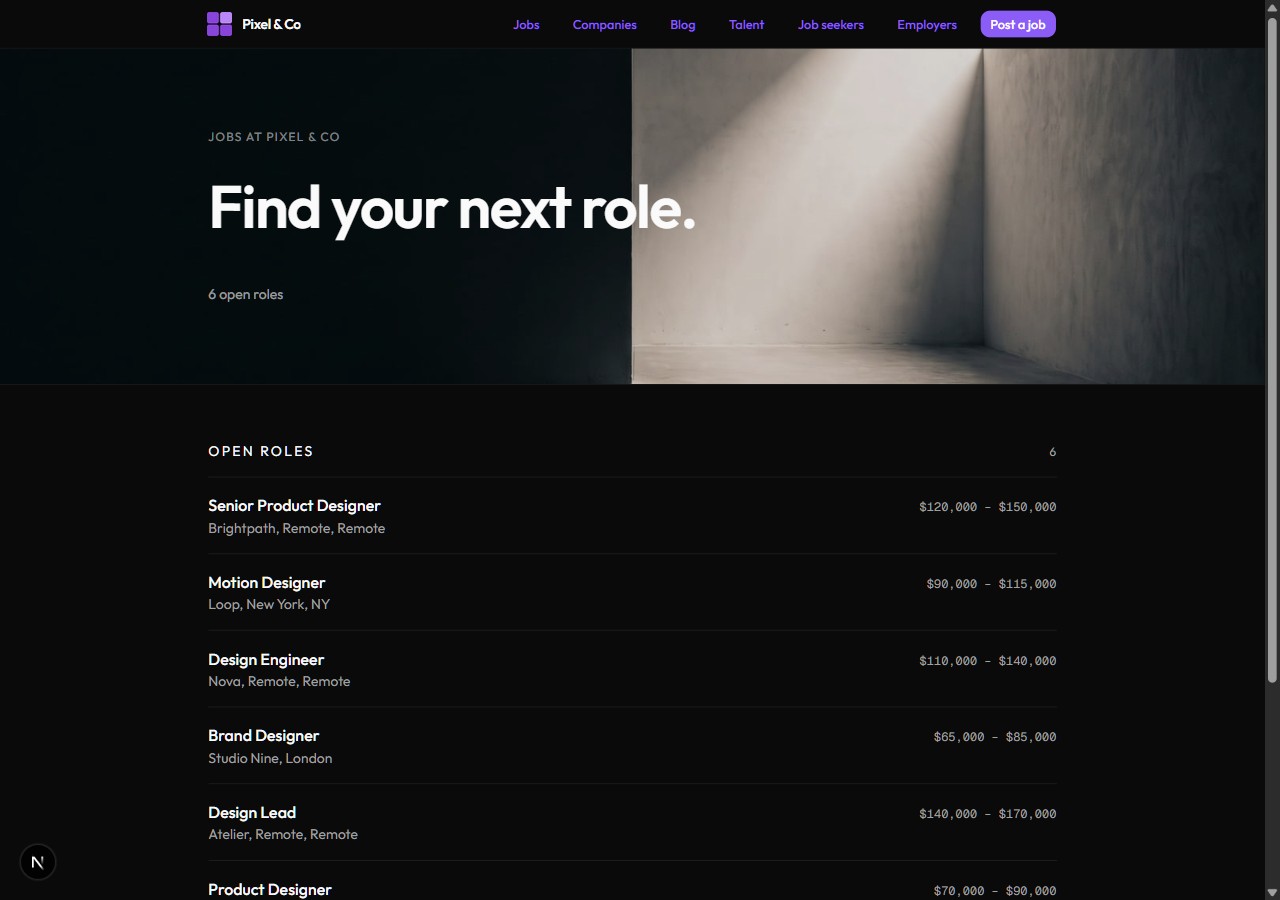
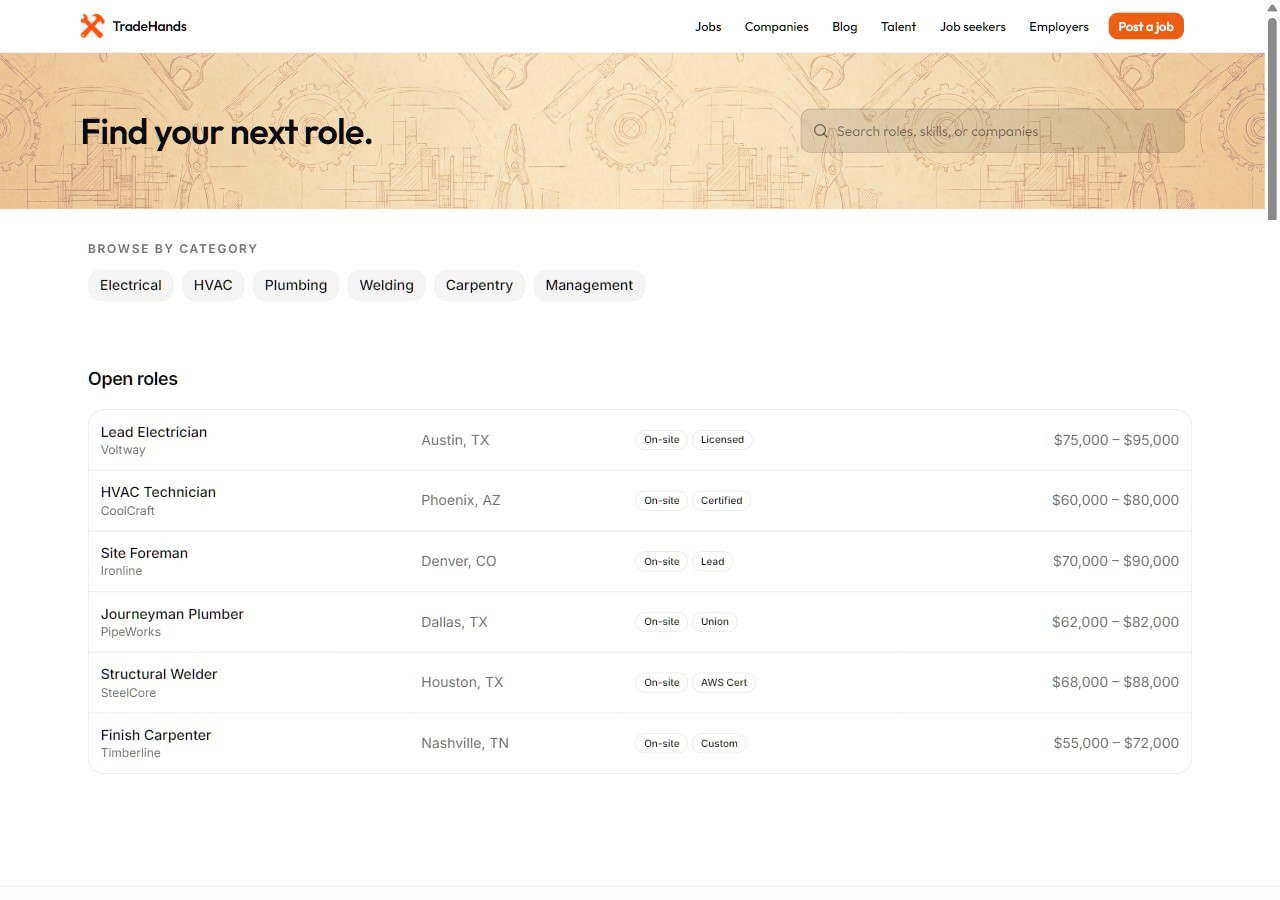
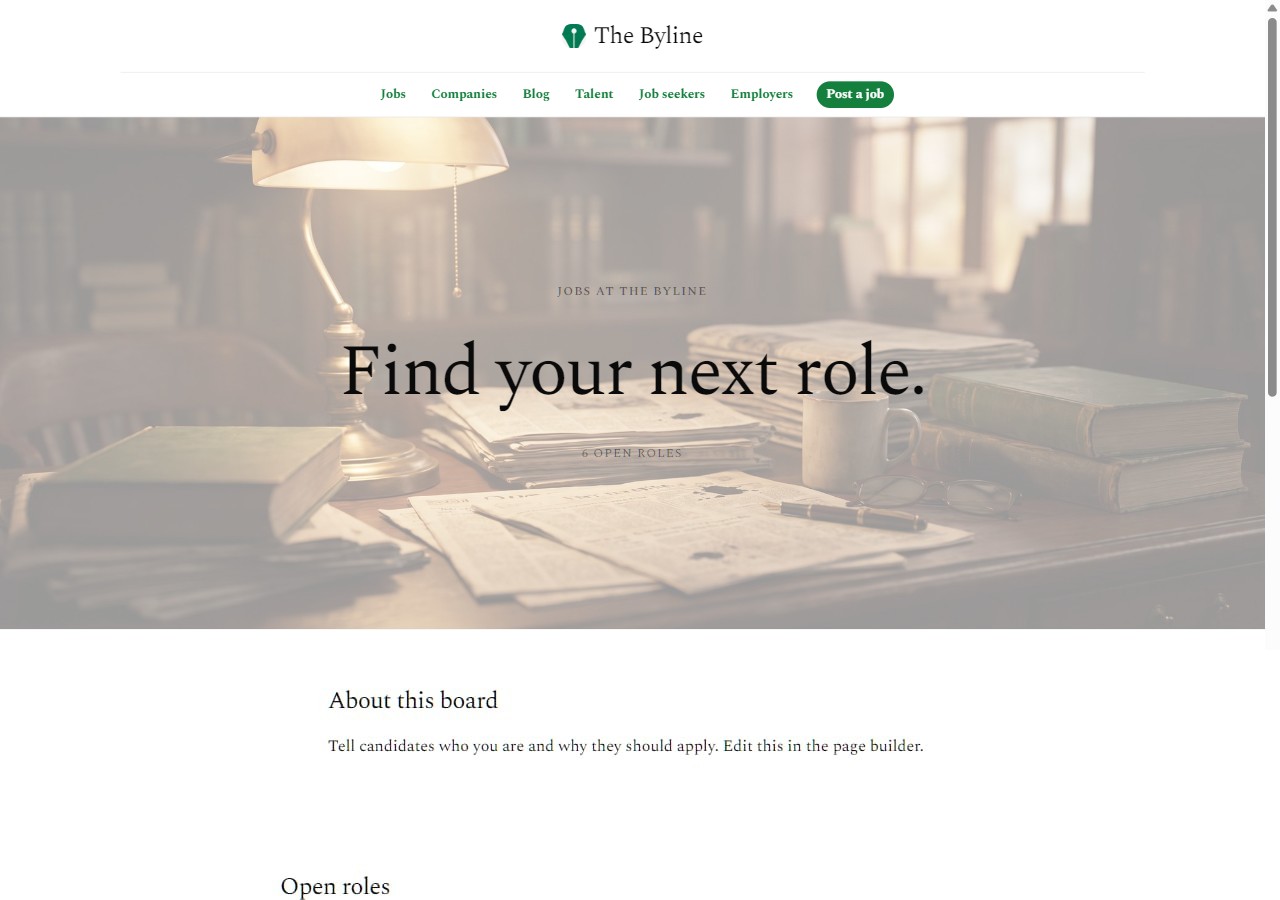
These are real boards, not mockups: the showcase has more built-with-easyboard examples, and there is a live demo board you can click around right now.
A template is a starting point, not a cage
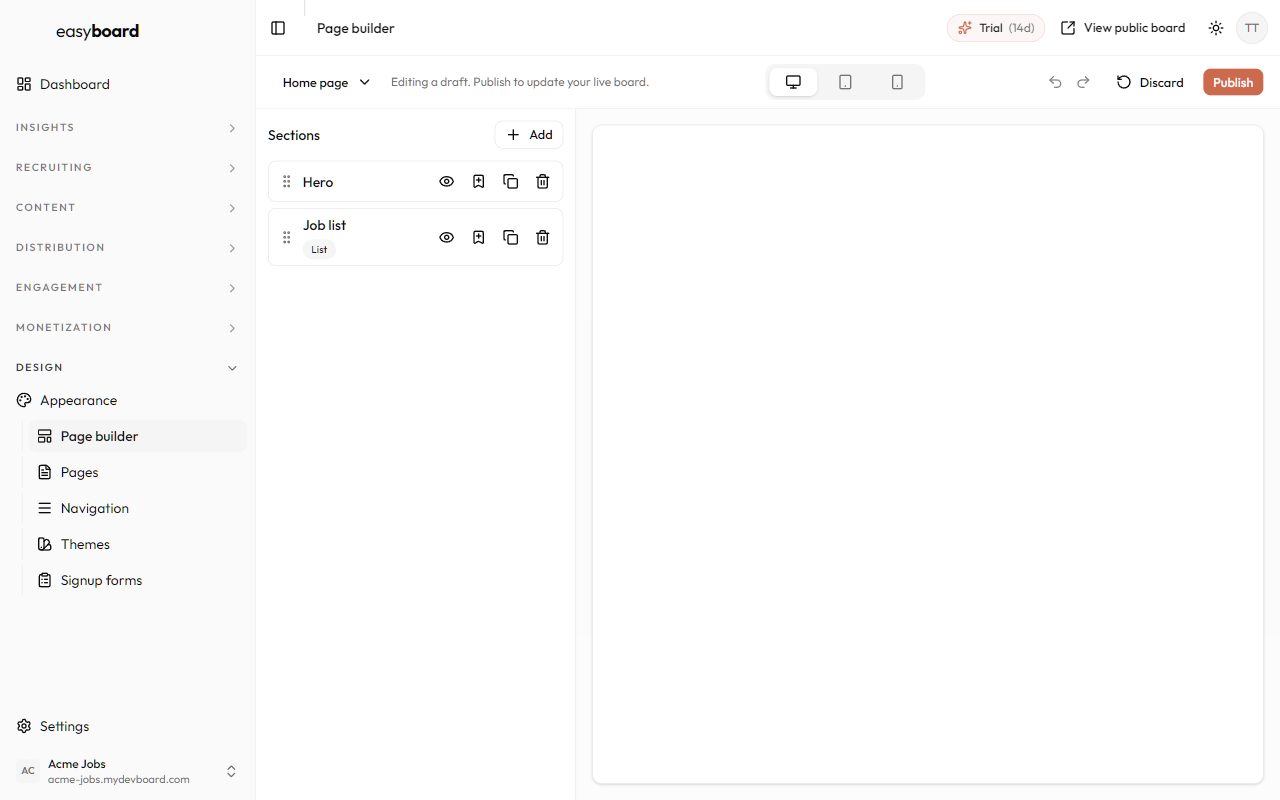
The fear with templates is looking like everyone else. The fix is that the theme only decides the starting structure; everything visible is editable in a visual builder: reorder and restyle the sections of any page, add from a 20-type section catalog (hero, featured jobs, stats, testimonials, FAQ, custom HTML), edit the header and footer, set brand colors and any of 30 fonts (or upload your own), build entirely custom pages, and inject code when you want something the builder does not do. Two boards on the same theme end up looking related the way two WordPress sites do, which is to say, not at all.
How to choose between the nine
- High listing volume, utilitarian niche (trades, logistics, healthcare shifts): Directory or Classic, browse-first wins.
- Startup, tech, or remote niche: Bold, Aurora, or Vanguard, the confident hero sells the niche.
- Design, engineering, or craft communities: Minimal, the restraint is the brand.
- Media, writing, and academic niches: Editorial, serif credibility.
- Local and regional boards: Metro or Clarity, familiar and information-dense.
Wrong guesses cost nothing: switching themes keeps your jobs, employers, and settings, so trying three over a coffee is a normal way to decide.
What no template can do for you
A design, however good, does not put jobs on the board or candidates in front of them. The launch work that actually determines success is seeding the board with real listings (never launch empty), getting the SEO machinery emitting structured data from day one, and picking a niche you can win (45 ideas here). A hosted theme bundles the machinery; the niche and the distribution are yours. The full sequence is in How to start a job board in 2026.
If you want to see your own brand on one of the nine, the free trial takes about 15 minutes from signup to a live, populated board on your own domain.
Frequently asked questions
Is there a free job board template?
Yes: free HTML templates, free WordPress themes, and Notion/Airtable templates all exist. Free gets you the design layer only; the working parts of a board (payments, applications, alerts, structured data) are where the real cost lives, either in development time or in a platform subscription.
What is the best job board template?
The one attached to a working product. A beautiful static template still needs months of development; a hosted theme is live the same day. Within easyboard's nine, choose by niche: Directory for high-volume utilitarian boards, Bold or Aurora for startup niches, Editorial for media, Minimal for design communities.
Can I build a job board with a WordPress template?
Yes, with a theme plus WP Job Manager and several paid add-ons. Budget for hosting, plugin licenses, and ongoing maintenance, and expect to be the person debugging checkout when it breaks. It is the right route mainly for people who already run WordPress sites professionally.
Can I use my own domain and branding with a template?
With self-hosted templates, always. With hosted platforms, check for custom domains and white-labeling: on easyboard every board runs on your own domain with your logo, colors, and fonts, and the SEO equity accrues to a domain you own.
How customizable are hosted job board themes?
More than most people expect: easyboard's themes are editable section by section in a visual builder, with custom pages, a custom-HTML section type, uploadable fonts, and raw code injection for the last mile. The theme sets the starting point; it does not limit where you end up.
Keep reading